Smart Lighting Switch from Smart Locks Store
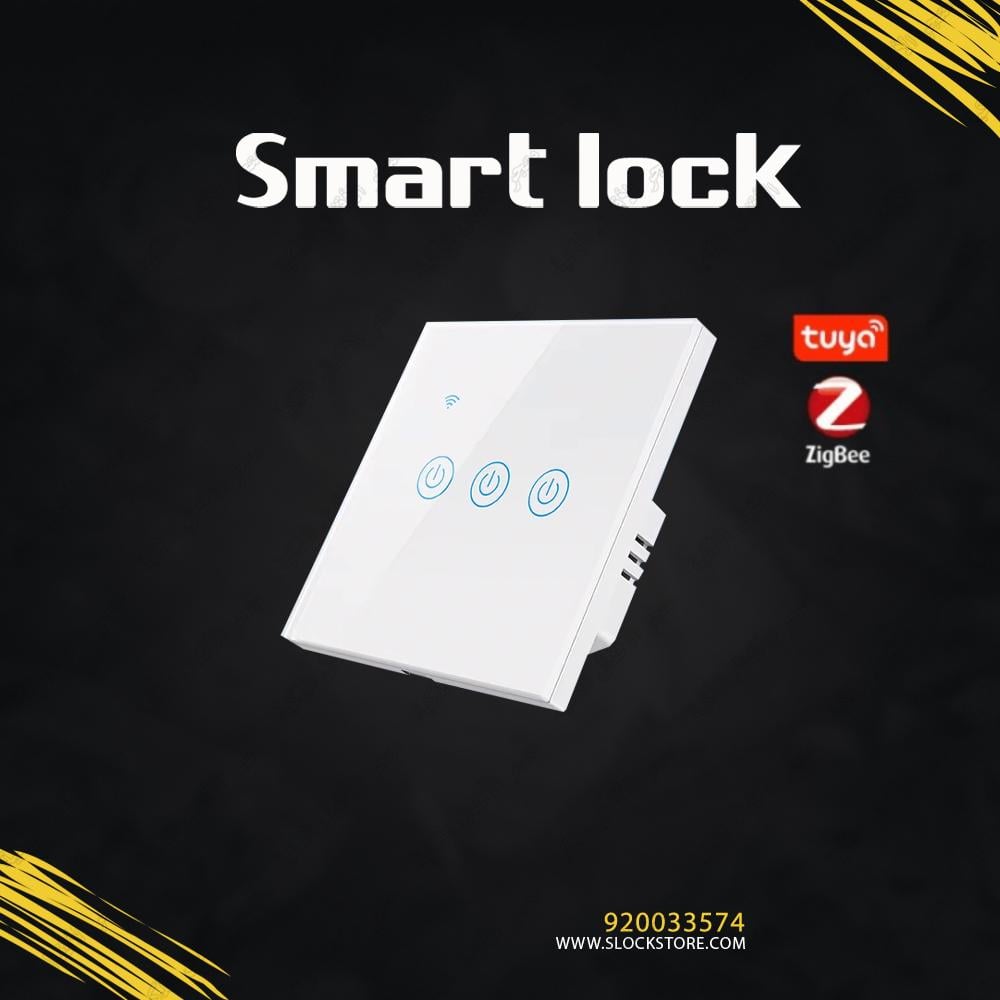
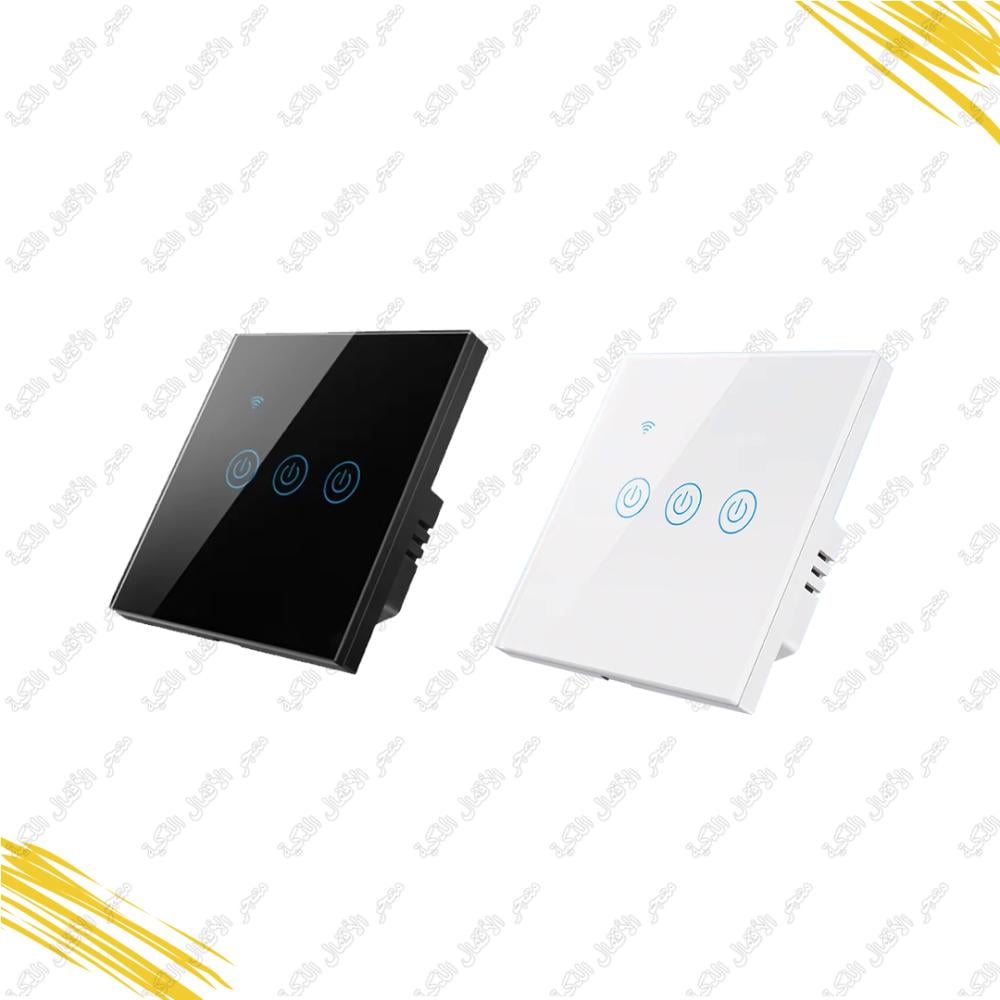
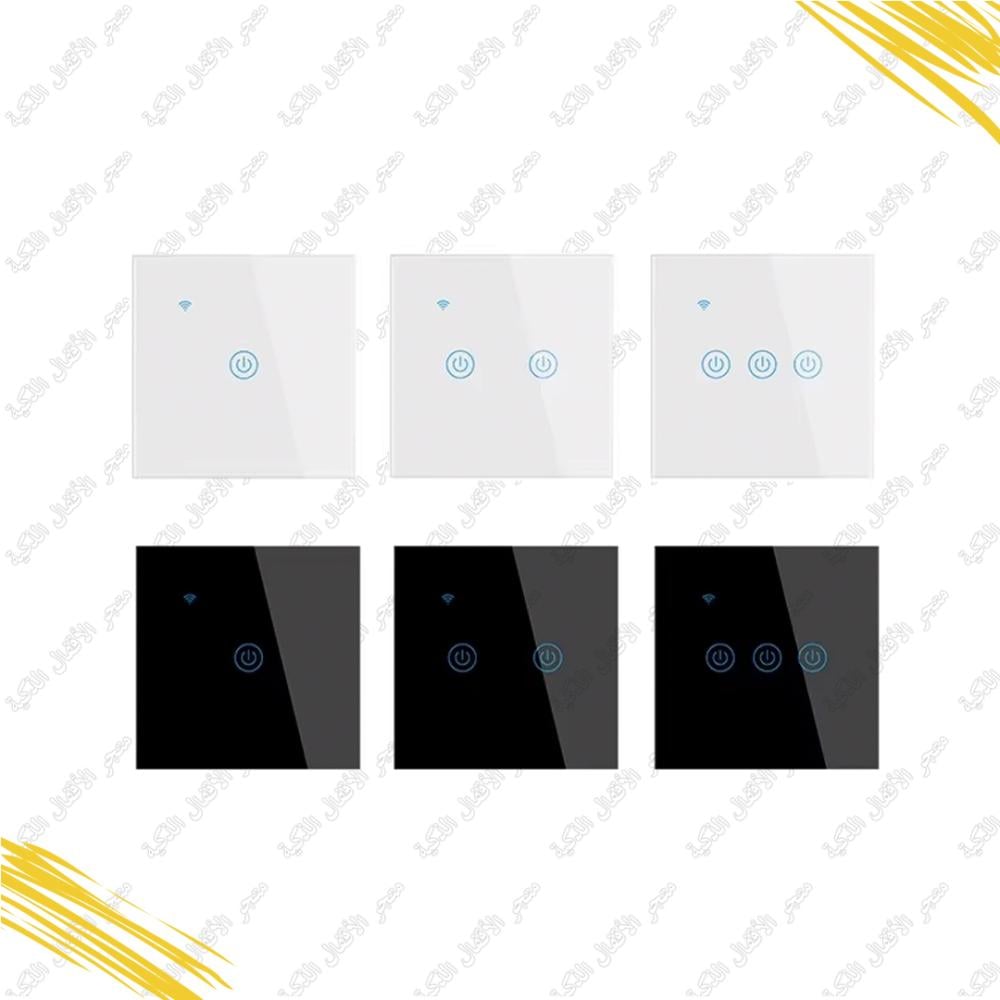
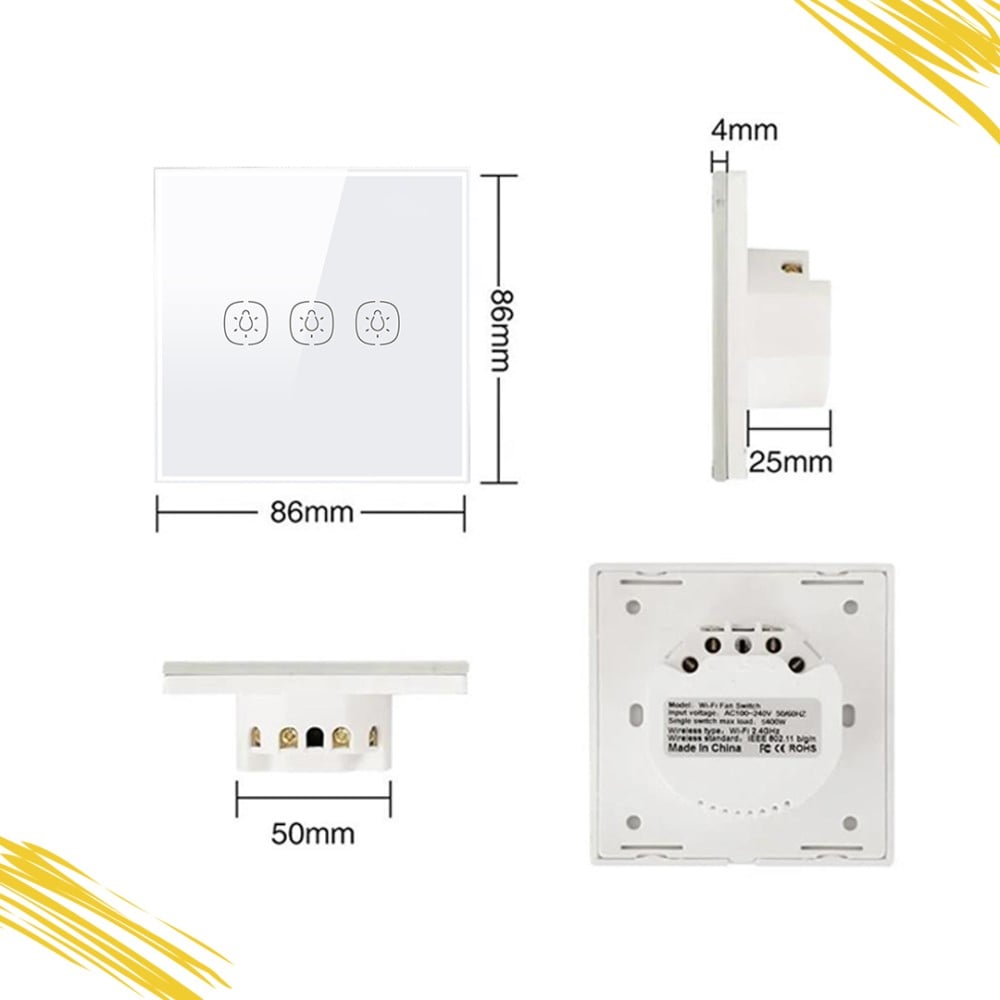
Transform your home into a haven of convenience and safety with the Triple Smart Lighting Switch in sleek white. This innovative and modern lighting switch elevates your lighting experience to a whole new level. Enjoy stunning lighting that enhances your interior design and take advantage of advanced smart features to save energy and create the perfect ambiance in every room. Don't miss the opportunity to revolutionize your home! Get the Triple Smart Lighting Switch now and enjoy unparalleled comfort and technological advancement.
Specifications of the Smart Lighting Switch:
- Product Name: Lighting Switch
- Category: Hospitality Products
- Color: White
Installation Guide for the Smart Lighting Switch:
- Turn Off Power: Switch off the circuit breaker connected to the light switch at the main electrical panel.
- Remove Old Switch: Use a screwdriver to remove the cover of your existing switch.
- Disconnect Wires: Carefully disconnect the wires from the old switch, labeling them for easy reattachment.
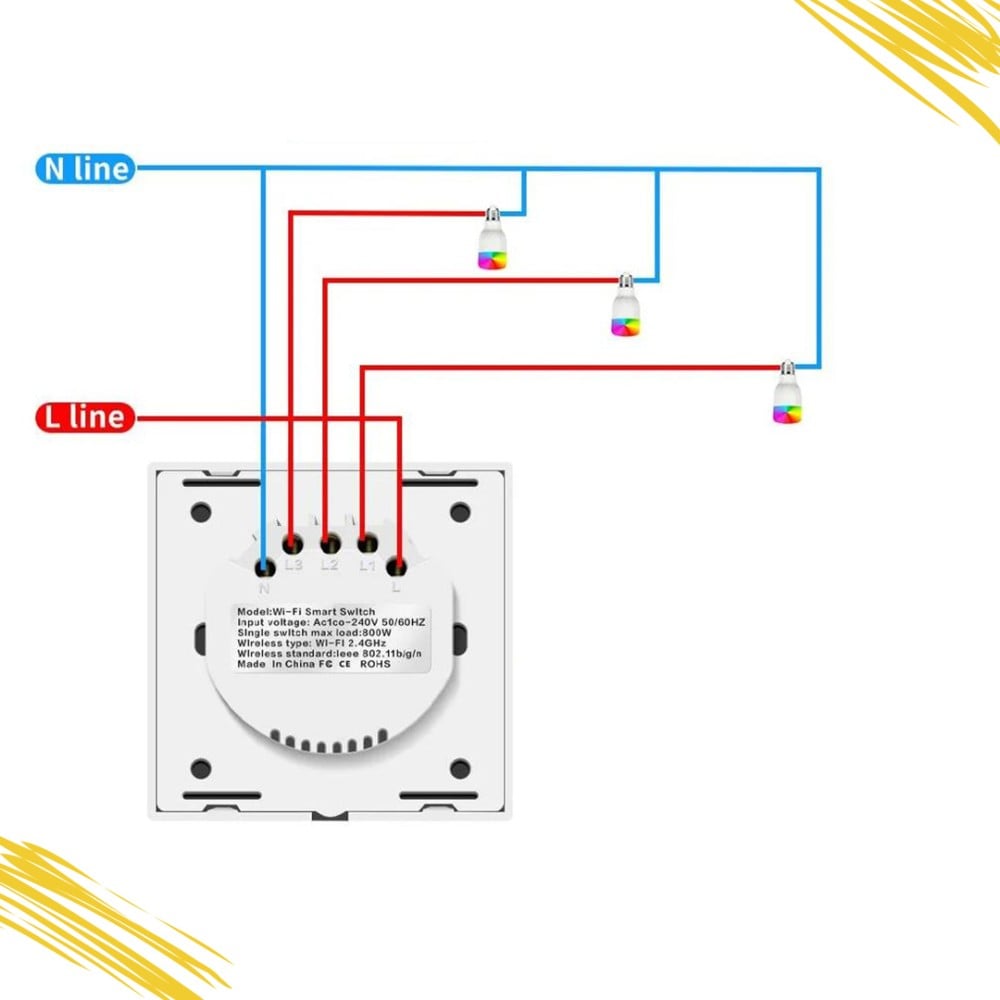
- Connect the New Switch: Attach the live (hot) and neutral (cold) wires to the corresponding terminals on the smart lighting switch.
- Secure the Switch: Insert the new switch into the wall opening and fasten it with the provided screws, ensuring it's level and secure.
- Attach the Cover: Install the outer cover and secure it tightly.
- Restore Power: Turn the circuit breaker back on.
- Set Up the App: Download the manufacturer's smart lighting app, connect the switch to the app, and follow the setup instructions for seamless operation.
How to Use the Smart Lighting Switch:
- Ensure Power Connection: Make sure the switch is powered, and the lighting system is connected.
- Download the App: Install the compatible app (available on App Store for iOS or Google Play for Android).
- Register or Login: Create a new account or log in if you already have one.
- Add the Switch: Follow the app’s instructions to add the smart switch, often by scanning a QR code or using the device's unique ID.
- Control Your Lights: Once the setup is complete, you can:
- Turn lights on/off.
- Adjust brightness.
- Change lighting modes or colors (if supported).
- Schedule and Automate: Set schedules for automated lighting, create scenes, or control lights remotely through the app.
- Voice Commands: If integrated with voice assistants like Amazon Alexa or Google Assistant, use voice commands for lighting control.
Features of the Smart Lighting Switch:
- Full Control via Smartphone: Manage your home lighting easily from your smartphone. Turn lights on/off, adjust brightness, or change settings from anywhere.
- Energy Efficiency: Set schedules and scenarios to optimize energy usage, reduce waste, and save on electricity bills.
- Easy Installation: Replace your traditional switch effortlessly with the smart switch and start using it immediately via the app.
- Wireless Connectivity: Supports Wi-Fi, Bluetooth, or Zigbee protocols for reliable and seamless integration with smart home systems.
- Remote Control: Operate your home lighting remotely, whether you're at home or away. Never worry about leaving lights on again!
- Enhanced Security: Program lights to turn on automatically when you're away, simulating occupancy to deter intruders.
- Voice Assistant Compatibility: Works with Amazon Alexa and Google Assistant for voice-activated lighting control, adding convenience and a futuristic touch.
Upgrade to the Smart Lighting Switch in white and embrace the comfort, safety, and sophistication of a truly smart home!